

Fixing the 'Something Went Wrong' Error
If you see a message that says “Something went wrong,” don’t panic — this is almost always a routine timeout that clears up with a single click. Your files are safely stored in your own Google Drive, and nothing has been lost.
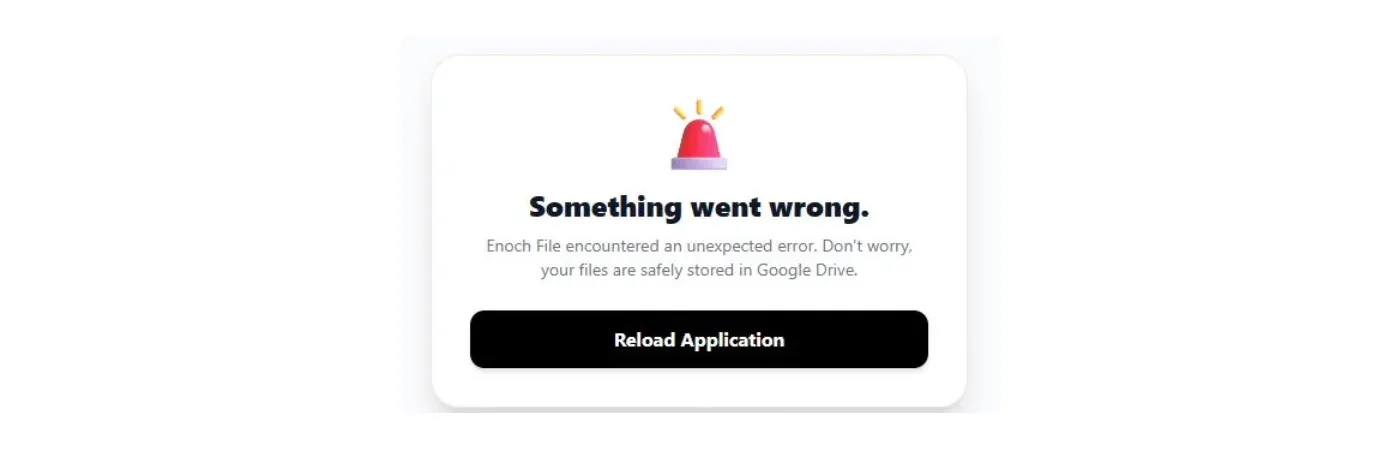
What this usually means
Section titled “What this usually means”Nine times out of ten, this warning means your Google session token has expired — Google’s way of asking you to prove you’re still there after a period of inactivity. It’s a security feature, not a bug. When that timeout happens mid-session, Enoch File shows you this message rather than silently pretending everything is fine.
What to do first
Section titled “What to do first”Click the black Reload Application button, then log back in when Enoch File returns you to the sign-in screen. That’s it — you should be back to your file cabinet within a few seconds.
When it’s worth telling us
Section titled “When it’s worth telling us”If you see this message once, reload and move on. But if it happens two or more times in a row while you’re trying to do the same thing, something less routine is going on and we’d like to know about it. That’s when it’s crossed from “expired token” territory into “actual bug” territory, and we can’t fix what we don’t see.
You can reach us two ways:
- Click the chat button in the corner of any page on our website.
- Fill out the form on our Contact Us page.
When you reach out, please include:
- What you were doing in the app when the error appeared — uploading a file, running a search, applying tags, and so on.
- What kind of device you were using — especially if it’s an Android phone or an iPhone, since mobile issues have their own quirks.
- Your browser and operating system, if you’re on a desktop or laptop.
- How many times you’ve seen the error, and whether it happens every time you try the same thing.
The more specific you can be about the sequence of steps that led up to the error, the faster we can track it down.