

Reindex and Clean Up
Reindex and Clean Up scours your cabinets for files that aren’t saved in a folder or drawer and moves them into your Unfiled Drawer so you can put them where you want them. It also reindexes your files to optimize sorting and searching.

Most of the time, you won’t need to run it. Enoch File keeps its own index tidy as you upload, move, and organize files day to day. This utility is a maintenance tool for the exceptions — moments when something upstream interrupted the app’s normal bookkeeping.
When to run it
Section titled “When to run it”Run Reindex and Clean Up from the Utility Menu if:
- Search is starting to feel slow.
- The app closed unexpectedly, your device crashed, or the power cut out while you were in the middle of importing documents or another long-running operation.
- You emailed or forwarded files to your Enoch File email address and they never showed up.
- You’ve just finished a large import — from Evernote, Google Drive, or a big batch upload — and you want to make sure everything is properly indexed before you go looking for it.
What to expect
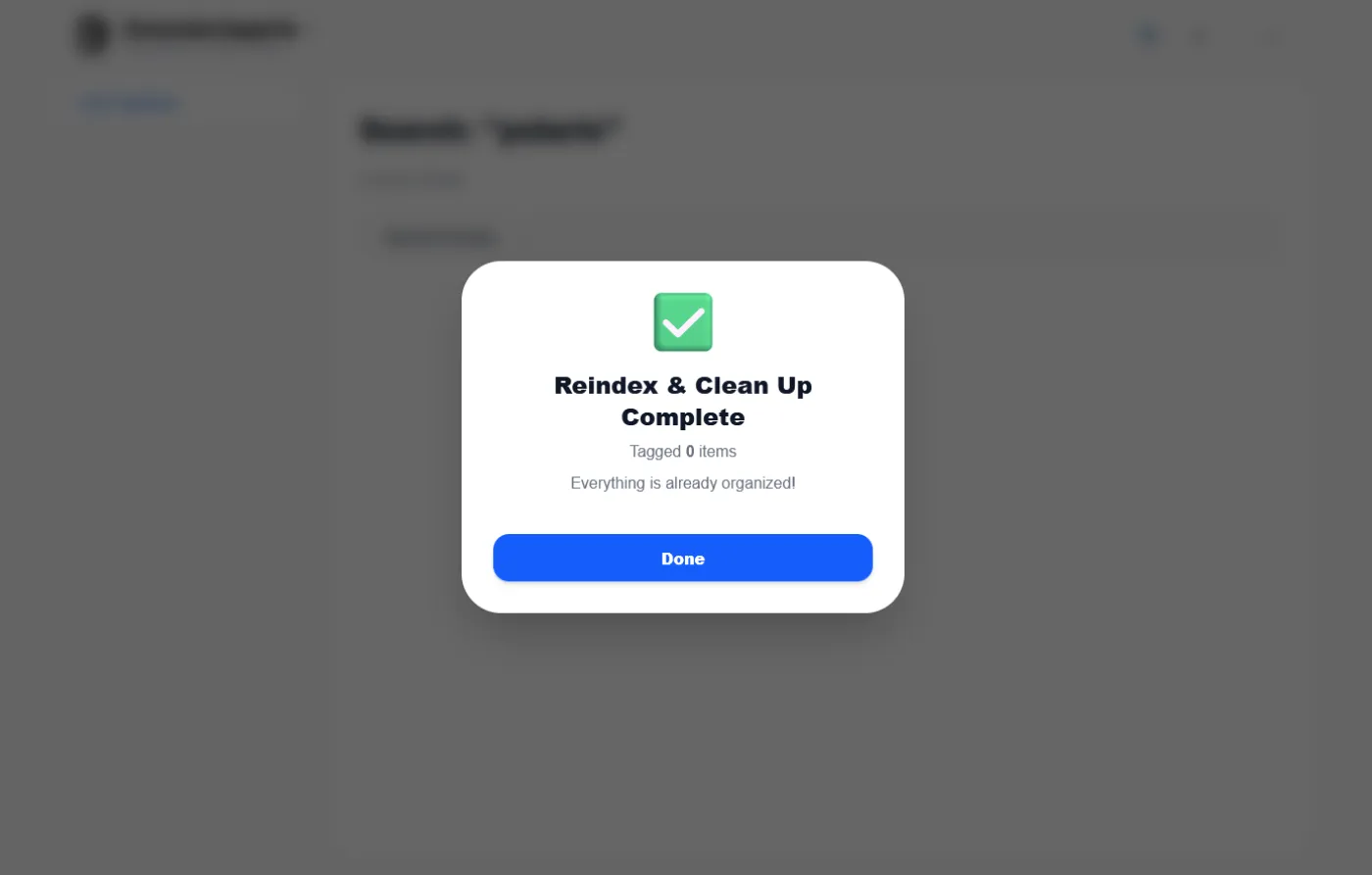
Section titled “What to expect”Reindex and Clean Up works in the background, so you can keep using Enoch File while it’s running. When it finishes, a report pops up on your screen summarizing what it did.
Reindex and Clean Up is available on both the Free and Premium tiers. Premium accounts get a deeper pass on search optimization.