

Uploading your first document
Navigate to the drawer or folder where you want to store your file. Then either:
- Click the black “+ Add or Drag Files” button on the right and select the file or files from your computer, or
- Drag and drop files directly from your desktop into the Enoch File window.
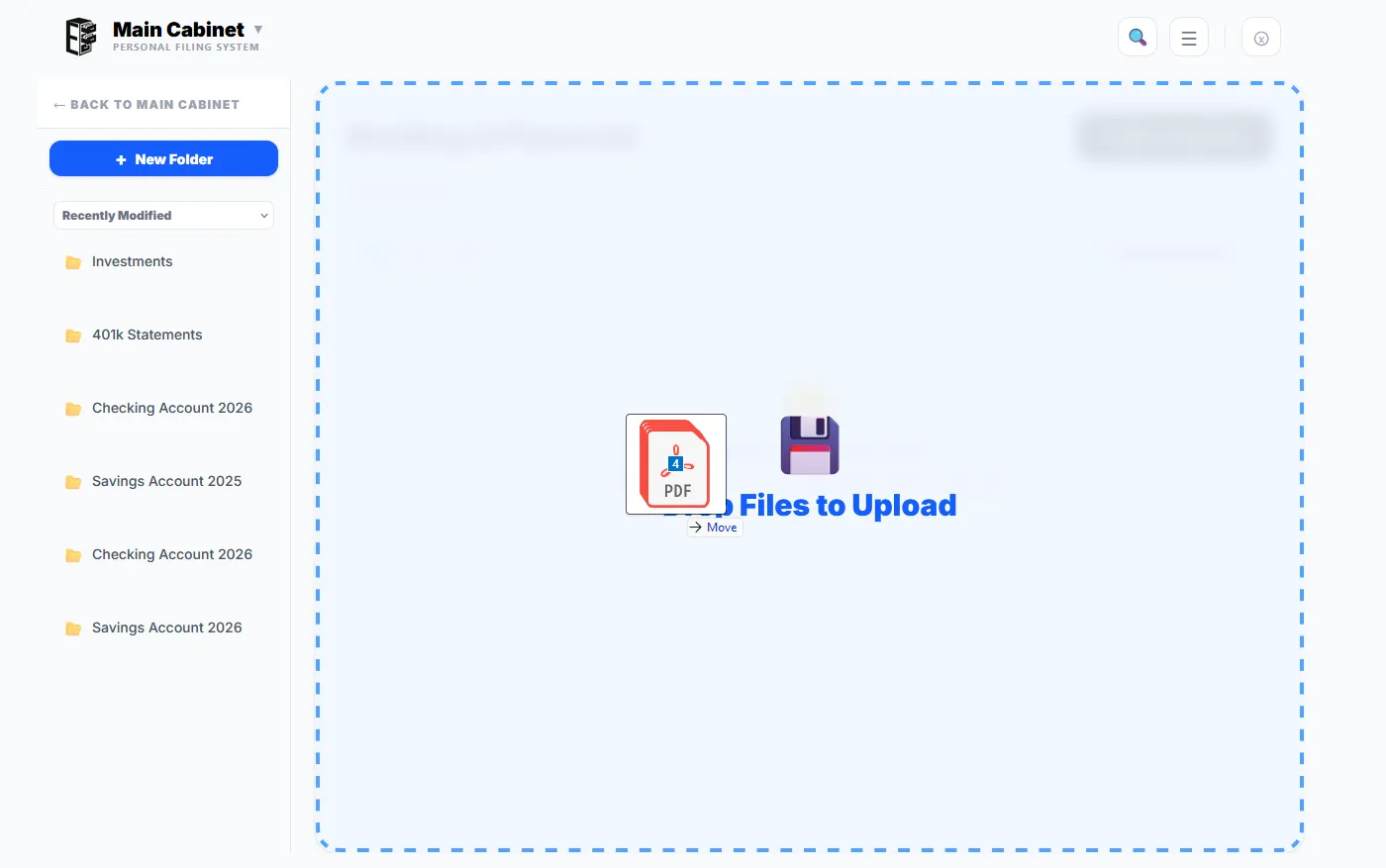
Your files are stored in your own Google Drive, in a folder Enoch File set up during onboarding. Depending on how many files you selected, the file size, and your internet connection, uploads may take a few seconds to a few minutes.
On a phone or tablet, the “Add” button will let you select files from your device, including photos and videos from your camera roll. You can also use the Enoch File: Scan & Save mobile app. The app will also allow you to scan documents and import PDFs into the cabinet and drawer of your choice.