

Why does sending files by email sometimes take a while?
If you’ve clicked Send Email in Enoch File and watched the button spin for a few seconds — or a few more than that — you haven’t broken anything. The reason is the same as in any other email system: attachments take time to prepare and send.
A single small PDF sends in under a second. But if you’re attaching seven high-resolution photos at 1.8 MB each, the preparation takes noticeably longer before the email goes on its way.
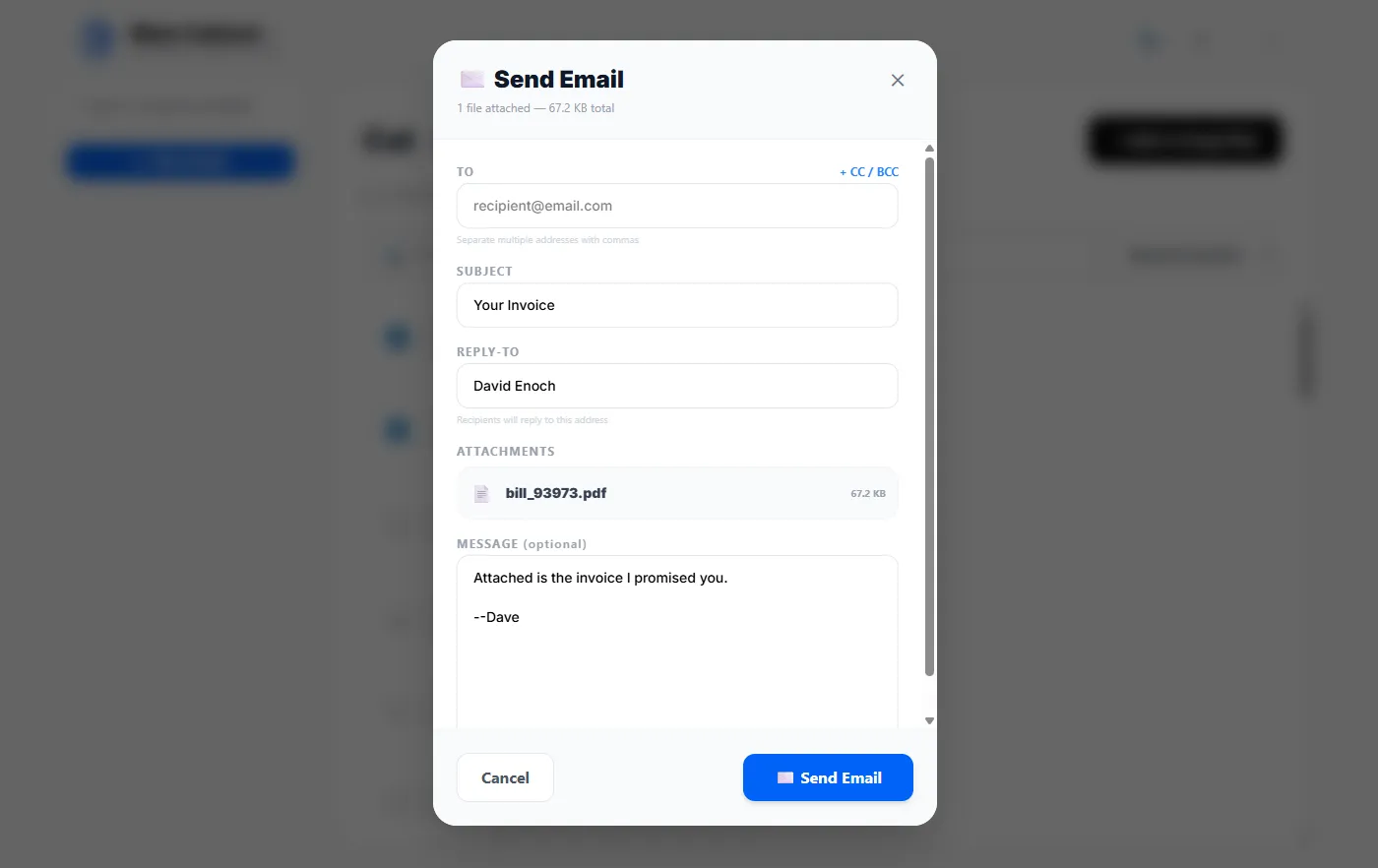
You’ll see the same behavior in Gmail, Outlook, or any other email client when you attach multiple large files. In Enoch File, the Send Email button turns into a spinner with a status label so you know it’s still working. You’ll see Compressing files first, then Sending email, and finally the modal closes — that’s your signal the send is complete.
Outbound attachment limits
Section titled “Outbound attachment limits”Two hard limits apply to every email you send from Enoch File:
- Up to 10 files per email. No single email can attach more than 10 files.
- Approximately 20 MB total. The combined size of all attachments in one email can’t exceed roughly 20 MB.
If you exceed either limit, the email won’t send — you’ll get an error rather than a silent failure. If a set of files won’t fit, either split them across multiple emails or share the largest file another way — for a single oversized file (like a video or a high-resolution scan), sharing it directly out of your file cabinet is often the better move than emailing it.
For the recipient-based daily caps (how many people you can send to per day, and how many per email), see Why are there outbound email limits?.