

How can I get the Enoch File mobile app?
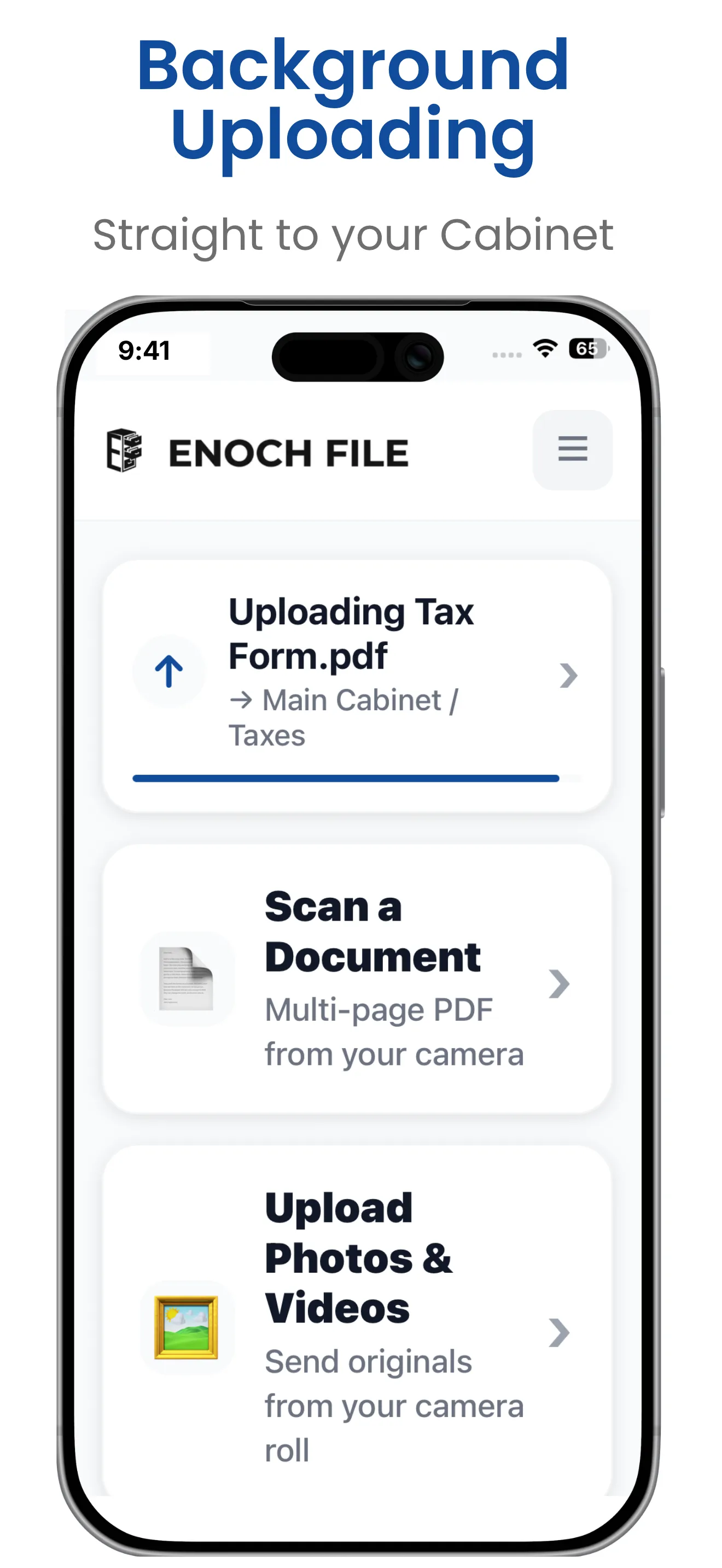
Enoch File: Scan & Save — our mobile companion app for capturing documents on the go — is in the final stretch of development and testing. It’s not in the App Store or Google Play yet, but if you’re an existing Enoch File subscriber on iPhone and willing to give us feedback in return, you can join the beta right now through Apple’s TestFlight program.
How to request access
Section titled “How to request access”Send us a note through our Contact page, or open a chat inside Enoch File and let the agent know you’d like beta access to the mobile app. Someone from our team will authorize your account for the mobile app and email you back with instructions for installing TestFlight and joining the Enoch File: Scan & Save beta.
Beta access is currently limited to existing Enoch File users, both Free and Premium. If you don’t have an Enoch File account yet, sign up first — the app itself is free — and then request beta access from there.
Android and the public release
Section titled “Android and the public release”We don’t have an Android version yet, and we don’t have a firm release date for the public App Store launch. Both are on the roadmap for 2026.
To hear about it when the mobile app goes public, make sure you’re subscribed to our newsletter. Go to your My Account page, select Email preferences, and check that your newsletter subscription is turned on — that’s where launch announcements go first, along with the Enoch Worx blog.